
CallCustom Takes 5 Arguments Error in Visual Studio Build
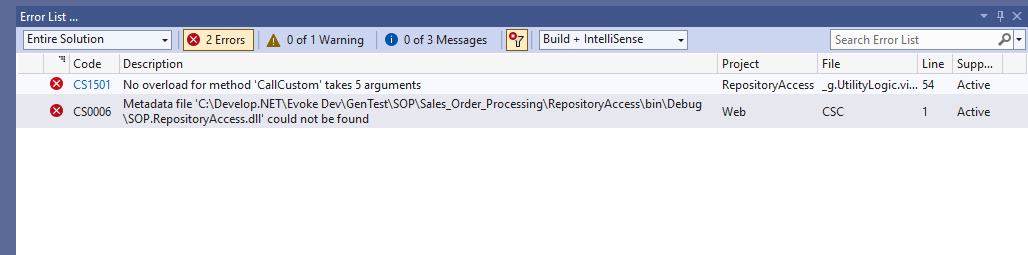
Updating UtilityLogic.view.cs in your Visual Studio solution is very easy and all you need to do is follow these steps.
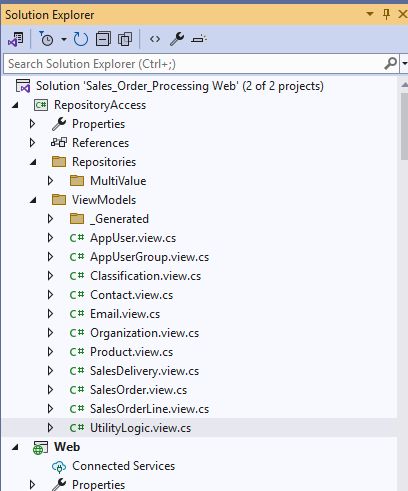
Navigate, in Visual Studio to the file in the Repository Access project called UtilityLogic.view.cs
Locate line 13 which should be..

Line 13 Needs to add a 5th parameter and change to..
async static public Task CallCustom(Dictionary ContextData, string LogicID, string[] LogicData, CustomCodeActionCompleted ActionCompleted, RepositorySet repositorySet)
async static public Task CallCustom(Dictionary ContextData, string LogicID, string[] LogicData, CustomCodeActionCompleted ActionCompleted, RepositorySet repositorySet)
Only add the ", RepositorySet repositorySet" before the ")" at the end of the line.
The Evoke support team is also always available to help you if you would like further support in getting rid of them. The web.config file is found at the bottom on the Web product in your Visual Studio solution.