
Pages - General Tab - Sizing Method
Sizing Method
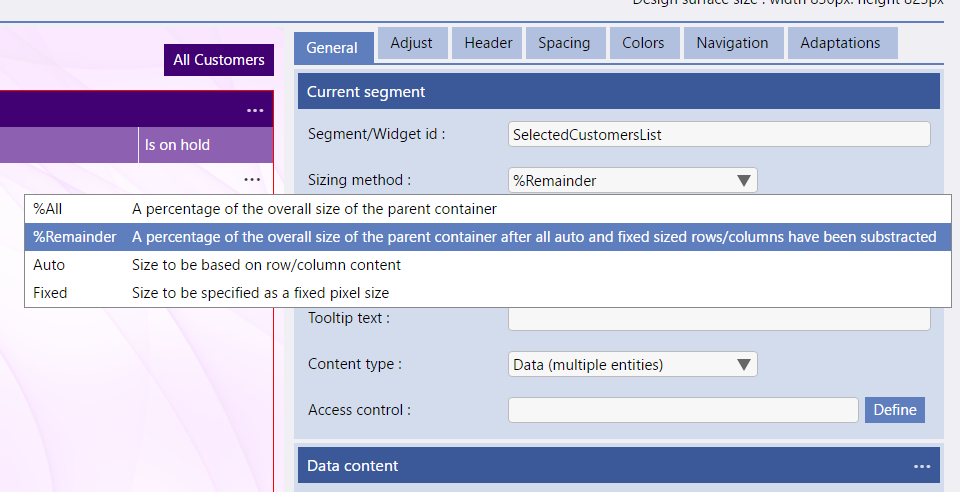
The Sizing Method in the Current Segment section of the general tab in Pages has 4 options:
-
%All - which sets the size of the segment to be a percentage of the overall size of the parent container
-
%Remainder - which sets the size of the segment to be a percentage of the overall size of the parent container after all auto and fixed sized rows/columns have been subtracted
-
Auto - which set the size of the segment based on the row/column content
-
Fixed - which set the size of the segment to be a specified fixed pixel size
Suppress Content Resizing
Suppress Content Resizing is used to stop variable size data grids expanding their size when they get additional data content
Size Value %
The Size Value is used when the Sizing Method is set to either %Remainder or Fixed. It specifies the percentage of the overall size of the parent container to be used.