
Pages - Child Segments Display Type
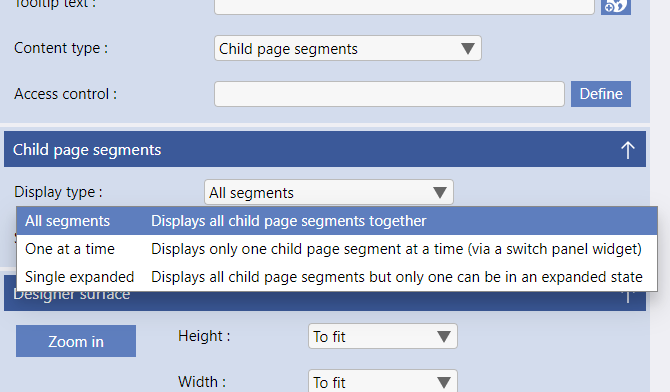
The Display Type options are.
-
All segments - The default setting
All the child segments that you add are displayed together, as you define them in the design. -
One at a time
Displays only one child segment at a time (via a switch panel widget). -
Single Expanded
Displays all the child segments but only one can be in an expanded state.
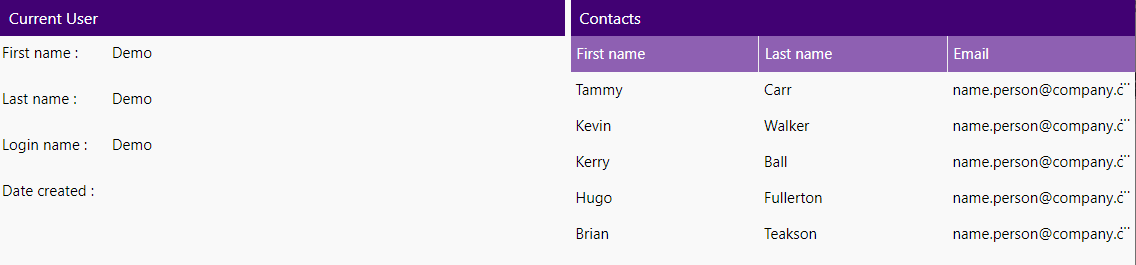
All of the child segments that you define are displayed without restriction, as in the image on the right.
Two child segments 9in a parent segment), with a display type of "All Segments" and Segment Arrangement of "Columns".
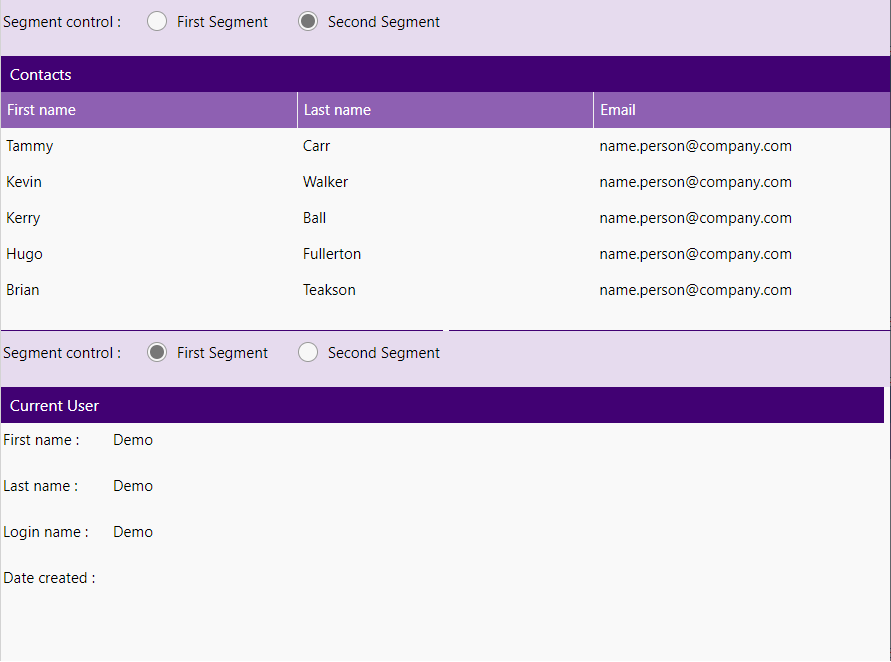
The child segments you define are displayed based on a piece of control data - in the case of the example on the right - the control data is a clasification with the calues "FirstSegment" and SecondSegment" (this is displayed in the UI as radio buttons in the example shown).
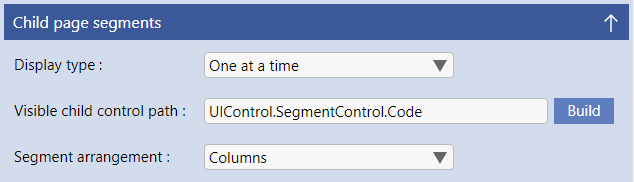
Whichever child segment's segment ID corresponds to the valie in the "Visible child control path" datasource value is the segment that is displayed. If no value is in the datasource path then the first child segment is shown.
Please note that the parent segment and the child segment MUST all have segment IDs included for this control to work.
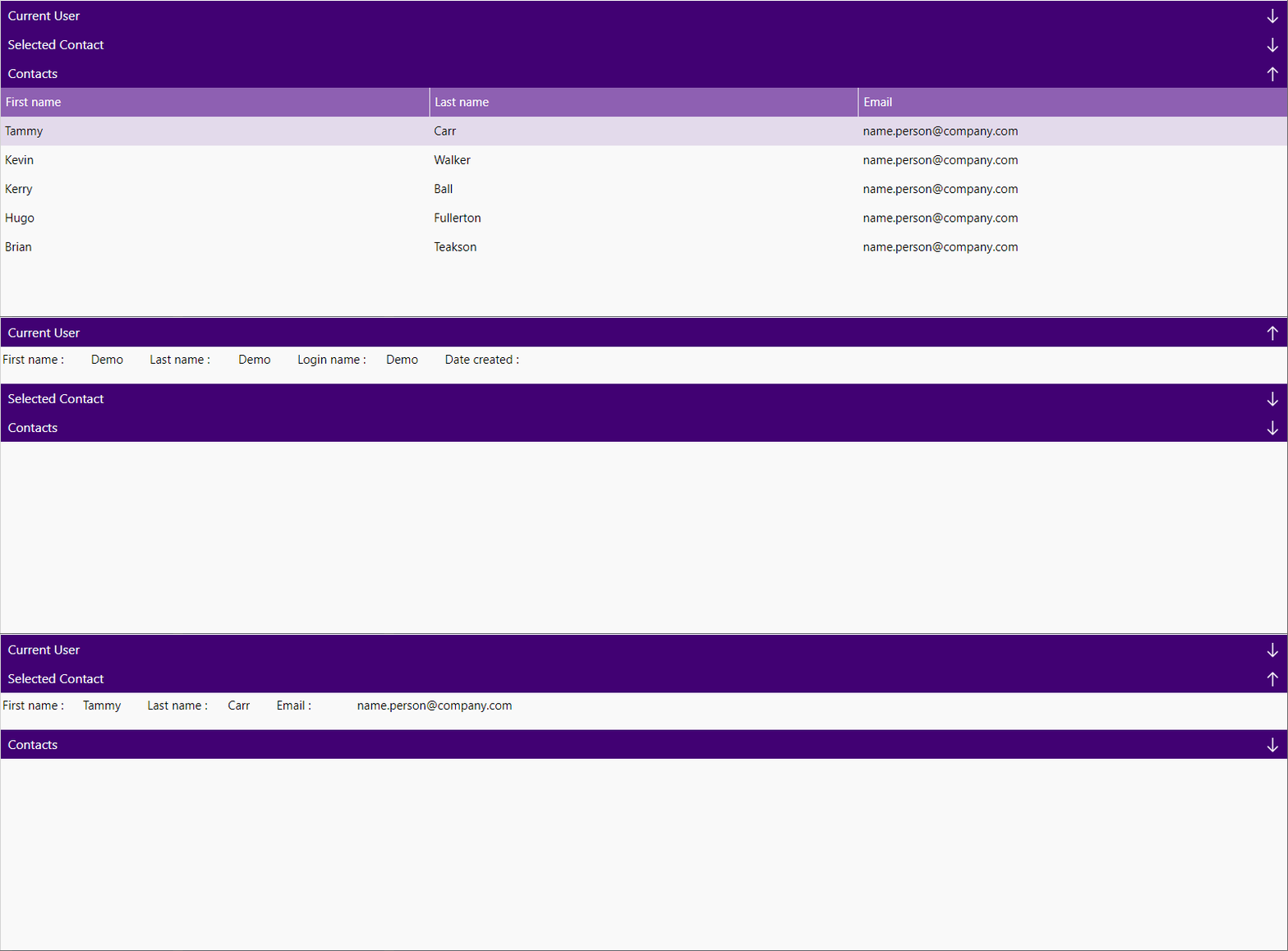
Single Expanded works together with the "Accordion" function in Evoke (the "support collapse/expland" on a segment header) to create a traditional accordion style arrangement i.e. opening (expanding) one segment collapses the other segments.